Table of contents
Show vehicles on a list
All vehicles visible according to user rights are available in two views, the first by default being the list view.
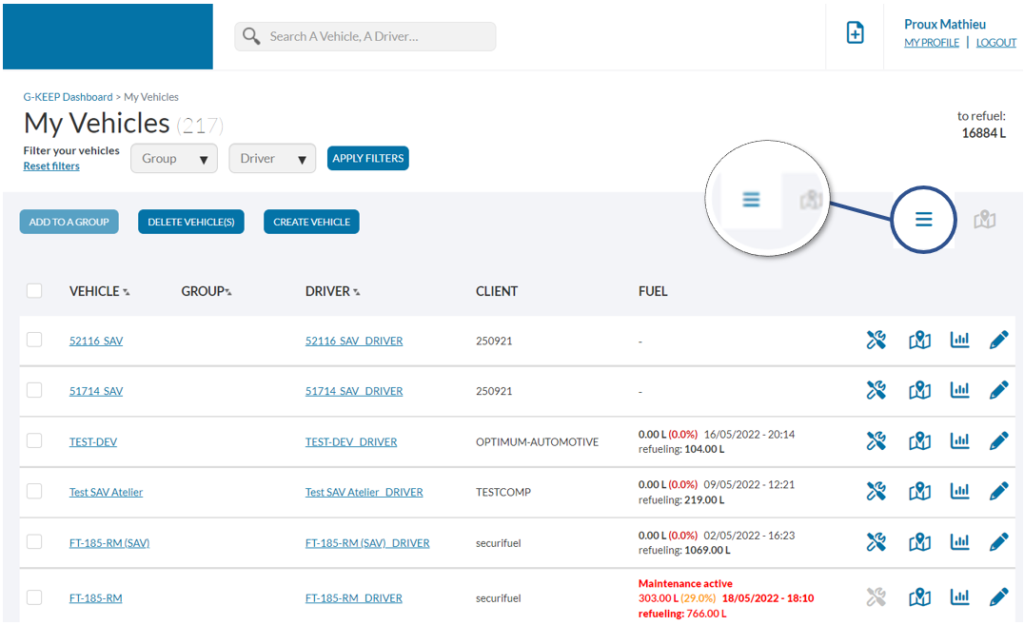
It is possible to filter the list of vehicles according to several criteria, for this you just have to select values in the drop-down lists at the top of the page:
- Filter by group
- Filter by assigned driver
To remove the filters, simply click on the link provided for this purpose “Reset filters”.
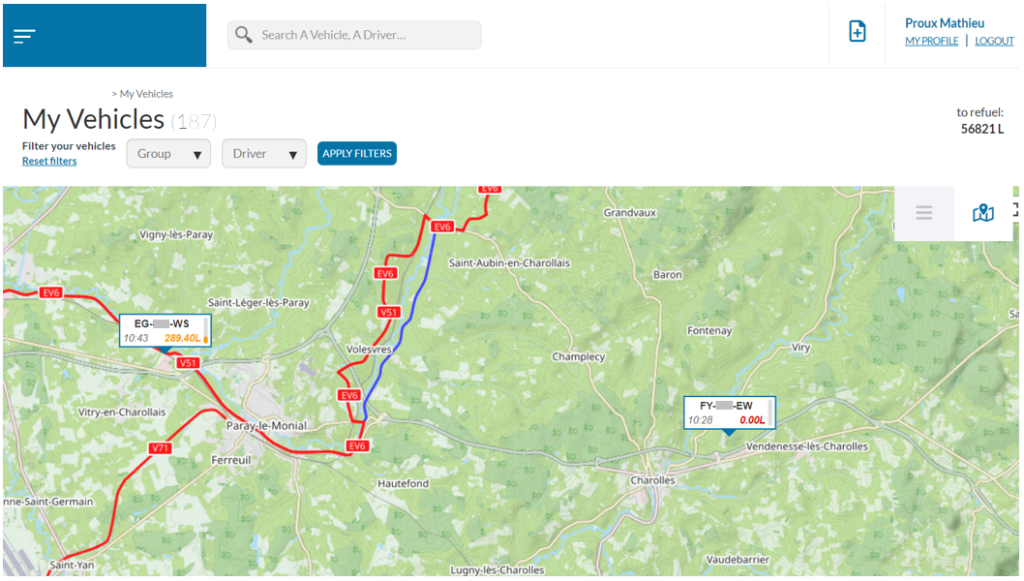
Show vehicles on a map
Thanks to this display, you can instantly identify the volumes remaining in the tanks by the color codes:
- Green: remaining volume > 50%
- Orange: volume remaining between 50% and 25%
- Red: remaining volume < 25%