The definition of consumption targets for vehicles takes place in several stages.
Step 1- Create the different consumption categories
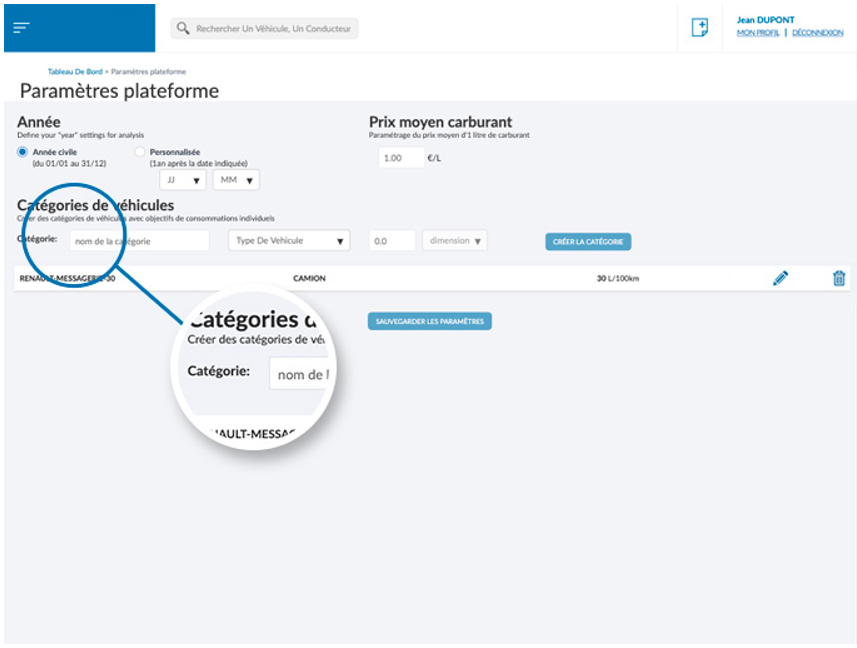
The first step consists in constructing the consumption categories of the fleet within which the vehicles will be integrated. To do this, you must access the page[PARAMÈTRES PLATEFORME] from the side menu, then create as many categories as you want.
It is possible to create categories such as “truck” or with consumption L/100km , or “construction machinery” with consumption in L/h . 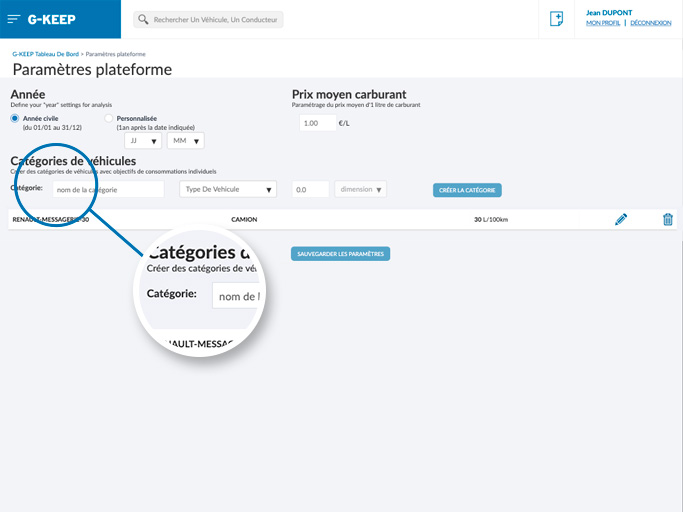
Step 2- Define the consumption category of the vehicle
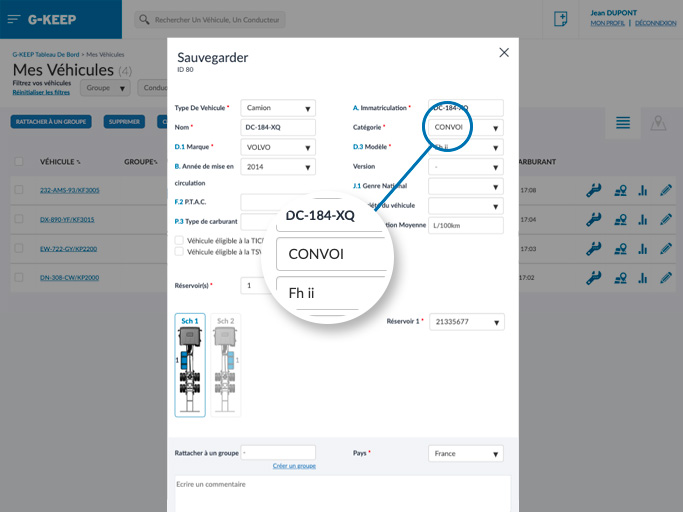
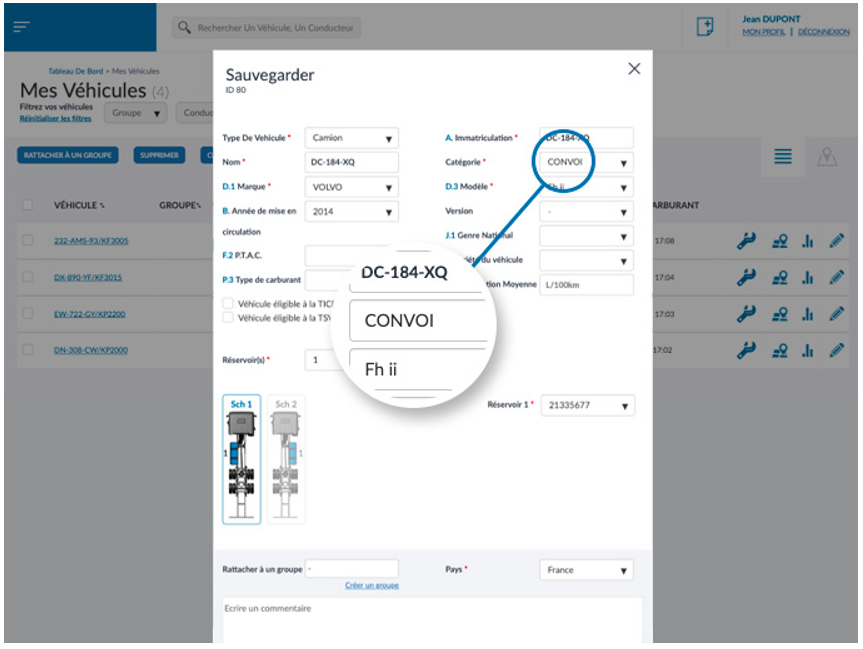
When the consumption categories are configured, the objectives must be defined for each vehicle. This step takes place in the vehicle information edit mode, accessible by opening the vehicle window and clicking on the edit button at the bottom.
You will find the consumption category to select in the “Category” drop-down list.