Skip to the content
  • English
    • Français
    • Português
    • Español
    • Deutsch
  • English
    • Français
    • Português
    • Español
    • Deutsch

Getting started

  • Login
  • Personal informations
  • General Features
  • Lexicon

Vehicles & users

  • Attach a vehicle to a groupe
  • Create/edit/delete a vehicle
  • List of vehicles
  • Assign a vehicle to a driver
  • User accounts
  • User management
  • User rights
  • Create/ Edit/ Delete

Dashboard

  • Global data
  • Fillings
  • Classification of vehicles
  • Use of vehicles
  • Average consumption
  • Events and Notifications

Consumptions and reports

  • Real-time analysis
  • Daily/weekly analysis
  • TCA – Analysis
  • Download a report
  • Define a consumption target
  • Fuel price setting

Fill management

  • Tank filling procedure
  • Detection of internal diversions
  • Fuel ticket encoding
  • Fill management

Installation and maintenance

  • Battery replacement procedure
  • Using maintenance mode
  • Activation/deactivation
  • Installation

Define a consumption target

Table of contents
  • Step 1- Create the different consumption categories
  • Step 2- Define the consumption category of the vehicle

The definition of consumption targets for vehicles takes place in several stages.

Step 1- Create the different consumption categories

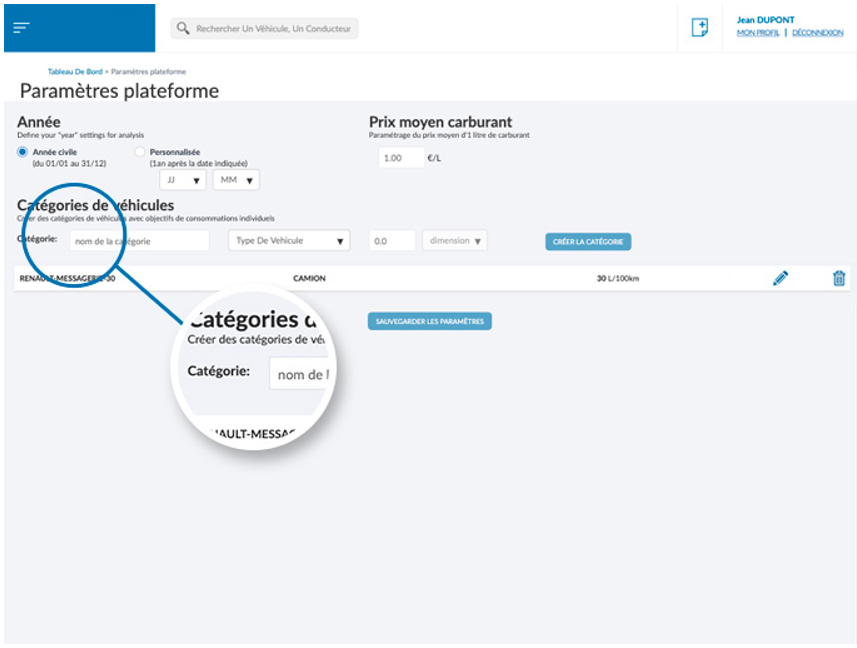
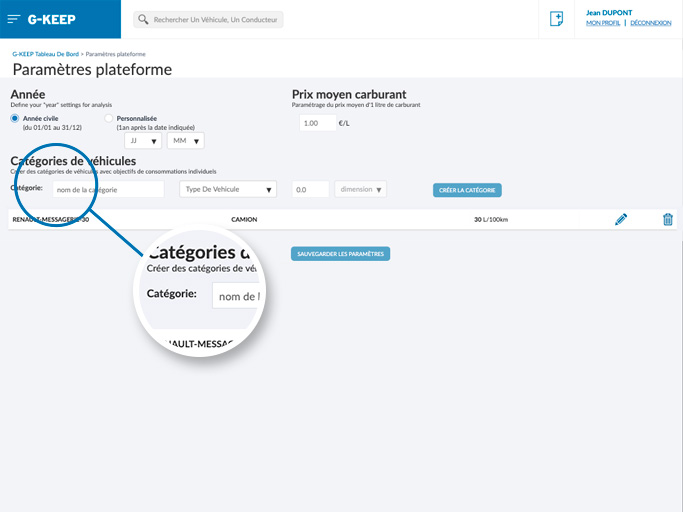
The first step consists in constructing the consumption categories of the fleet within which the vehicles will be integrated. To do this, you must access the page[PARAMÈTRES PLATEFORME] from the side menu, then create as many categories as you want.
It is possible to create categories such as “truck” or with consumption L/100km , or “construction machinery” with consumption in L/h .
Step 2- Define the consumption category of the vehicle

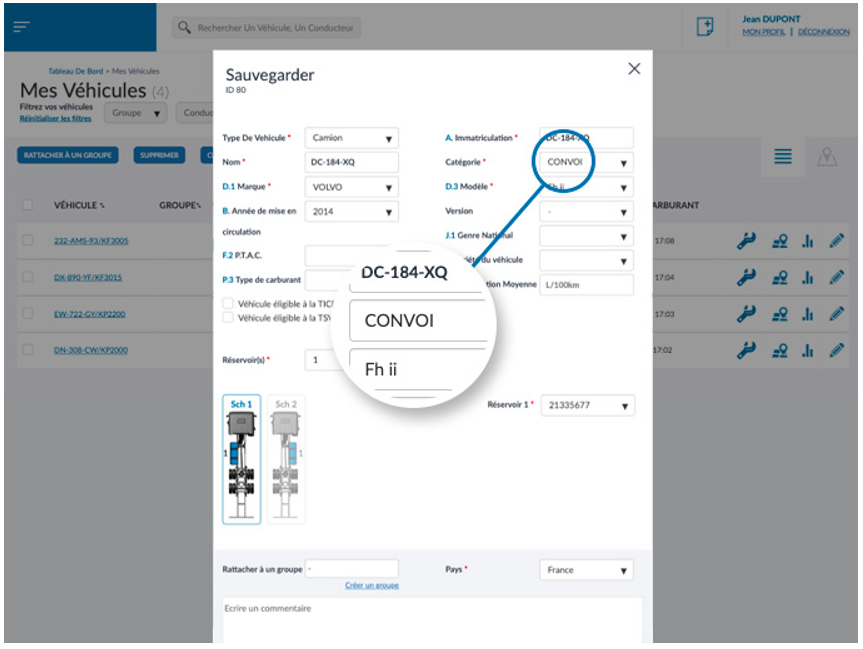
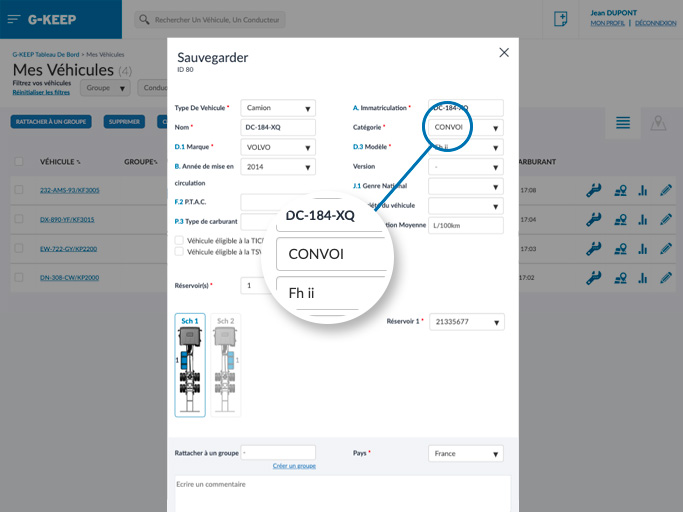
When the consumption categories are configured, the objectives must be defined for each vehicle. This step takes place in the vehicle information edit mode, accessible by opening the vehicle window and clicking on the edit button at the bottom.
You will find the consumption category to select in the “Category” drop-down list.
Was this article useful?
Updated on 7 July 2023
Download a reportFuel price setting

Powered by BetterDocs

Table of contents
  • Step 1- Create the different consumption categories
  • Step 2- Define the consumption category of the vehicle

© 2026

Powered by WordPress

To the top ↑ Up ↑