Skip to the content
  • English
    • Français
    • Português
    • Español
    • Deutsch
  • English
    • Français
    • Português
    • Español
    • Deutsch

Getting started

  • Login
  • Personal informations
  • General Features
  • Lexicon

Vehicles & users

  • Attach a vehicle to a groupe
  • Create/edit/delete a vehicle
  • List of vehicles
  • Assign a vehicle to a driver
  • User accounts
  • User management
  • User rights
  • Create/ Edit/ Delete

Dashboard

  • Global data
  • Fillings
  • Classification of vehicles
  • Use of vehicles
  • Average consumption
  • Events and Notifications

Consumptions and reports

  • Real-time analysis
  • Daily/weekly analysis
  • TCA – Analysis
  • Download a report
  • Define a consumption target
  • Fuel price setting

Fill management

  • Tank filling procedure
  • Detection of internal diversions
  • Fuel ticket encoding
  • Fill management

Installation and maintenance

  • Battery replacement procedure
  • Using maintenance mode
  • Activation/deactivation
  • Installation

Download a report

Table of contents
  • Individual report
  • Fleet consumption report
  • Group consumption report
  • Fleet General Report

Individual report

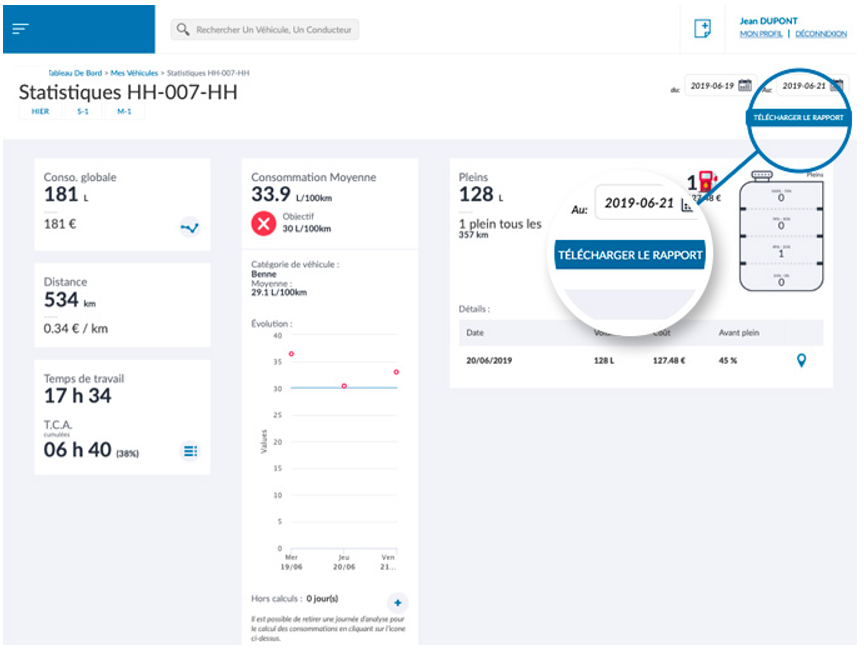
Pour télécharger le rapport individuel d’un véhicule, il suffit d’accéder à la page statistiques correspondante, de sélectionner la période d’export souhaitée puis enfin de cliquer en haut à droite de la page sur le bouton prévu à cet effet.
Fleet consumption report

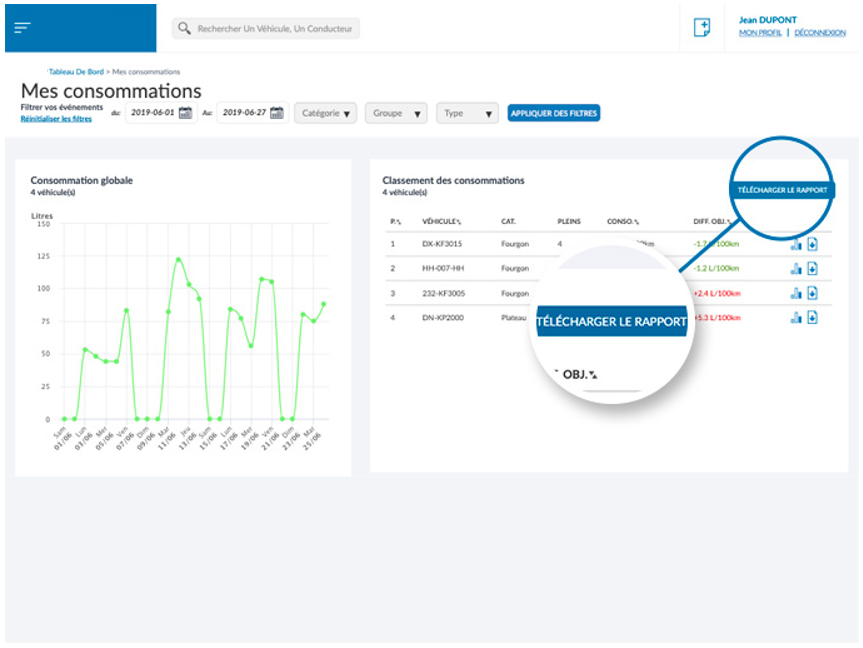
Pour télécharger le rapport de flotte, il suffit d’accéder à la page [MES CONSOMMATIONS], de sélectionner la période d’export souhaitée puis enfin de cliquer en haut à droite de la page sur le bouton prévu à cet effet. 
Group consumption report

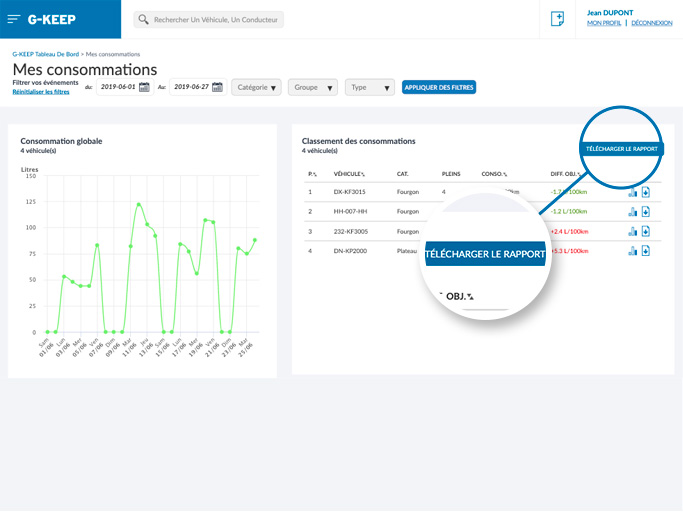
As for the fleet consumption reports, the consumption reports for a group can be downloaded by accessing the page[MES CONSOMMATIONS] , select the desired group and export period, then finally click on the button provided for this purpose at the top right of the page.
Fleet General Report

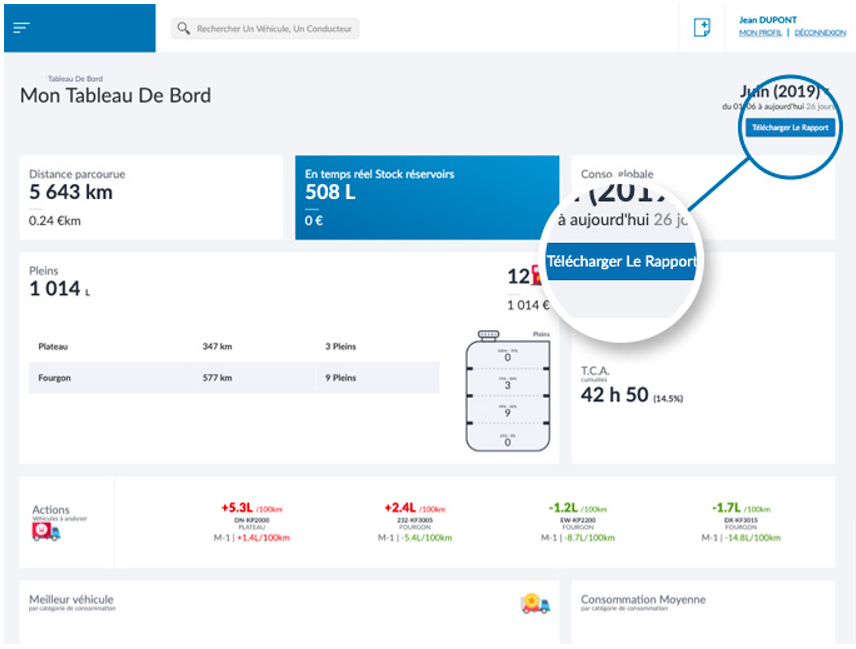
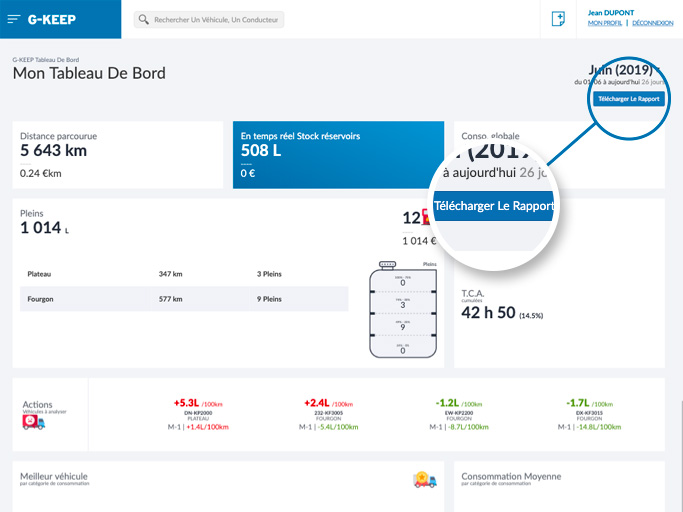
On the dashboard, it is possible to extract the data displayed, by downloading the report using the button at the top right.
Was this article useful?
Updated on 7 July 2023
TCA – AnalysisDefine a consumption target

Powered by BetterDocs

Table of contents
  • Individual report
  • Fleet consumption report
  • Group consumption report
  • Fleet General Report

© 2026

Powered by WordPress

To the top ↑ Up ↑